
Translation options
Start simple. For most PDFs, choose a target language and keep the default model. Change options only when the document gives you a reason to do so.
Target language
The target language is the language you want to read in the translated PDF.
Translation model
The model affects translation quality, speed, and Credits usage. If you are unsure, start with the default model: DeepSeek V4 Flash. Use a higher-quality model only when wording accuracy matters.
Advanced settings
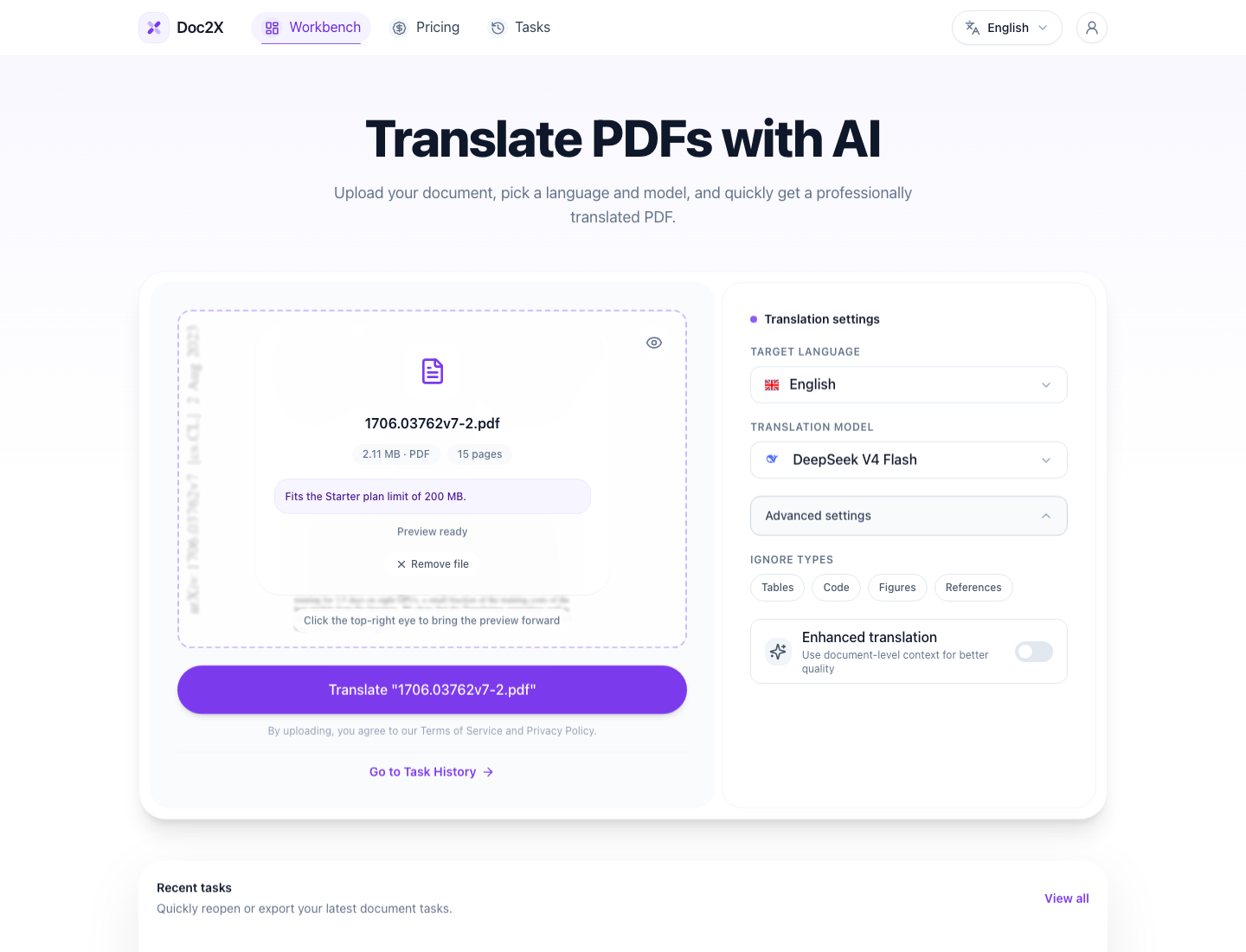
Advanced options are available to paid users only.
Advanced settings help you tell Doc2X what deserves attention and what should be left alone.
Ignore translation
Ignore translation lets you select areas that do not need translation for a more customized experience.
| Option | What it does | When to use it |
|---|---|---|
| Ignore tables | Skips table content | Tables are numeric, already bilingual, or should stay unchanged |
| Ignore code | Skips code blocks | Code should remain exact |
| Ignore figures | Skips figure-related text when supported | Captions or figure labels should stay unchanged |
| Ignore references | Skips bibliography or reference sections | Research paper references do not need translation |
| Enhanced translation | Uses more document context during translation | Long documents, terminology, legal, technical, or consistency-sensitive content |
Enhanced translation
Enhanced translation uses more context than standard translation to improve translation quality.
It is especially useful when:
- The same terms repeat across many pages.
- The PDF contains specialized academic or technical language.
- The document is legal, financial, or contract-like.
- A small wording mistake would make the result harder to trust.
Because Enhanced translation uses more context, translation time increases slightly. Even so, we recommend keeping Enhanced translation turned on.