
Account and history
Your account keeps translations, credits, plan details, and device access connected. Use this page when you want to check what you have or return to earlier work.
Sign in
Doc2X supports email sign-in and Google sign-in. You need to sign in before uploading PDFs, using credits, or viewing task history.
Settings
Open Settings from the account button in the top navigation.
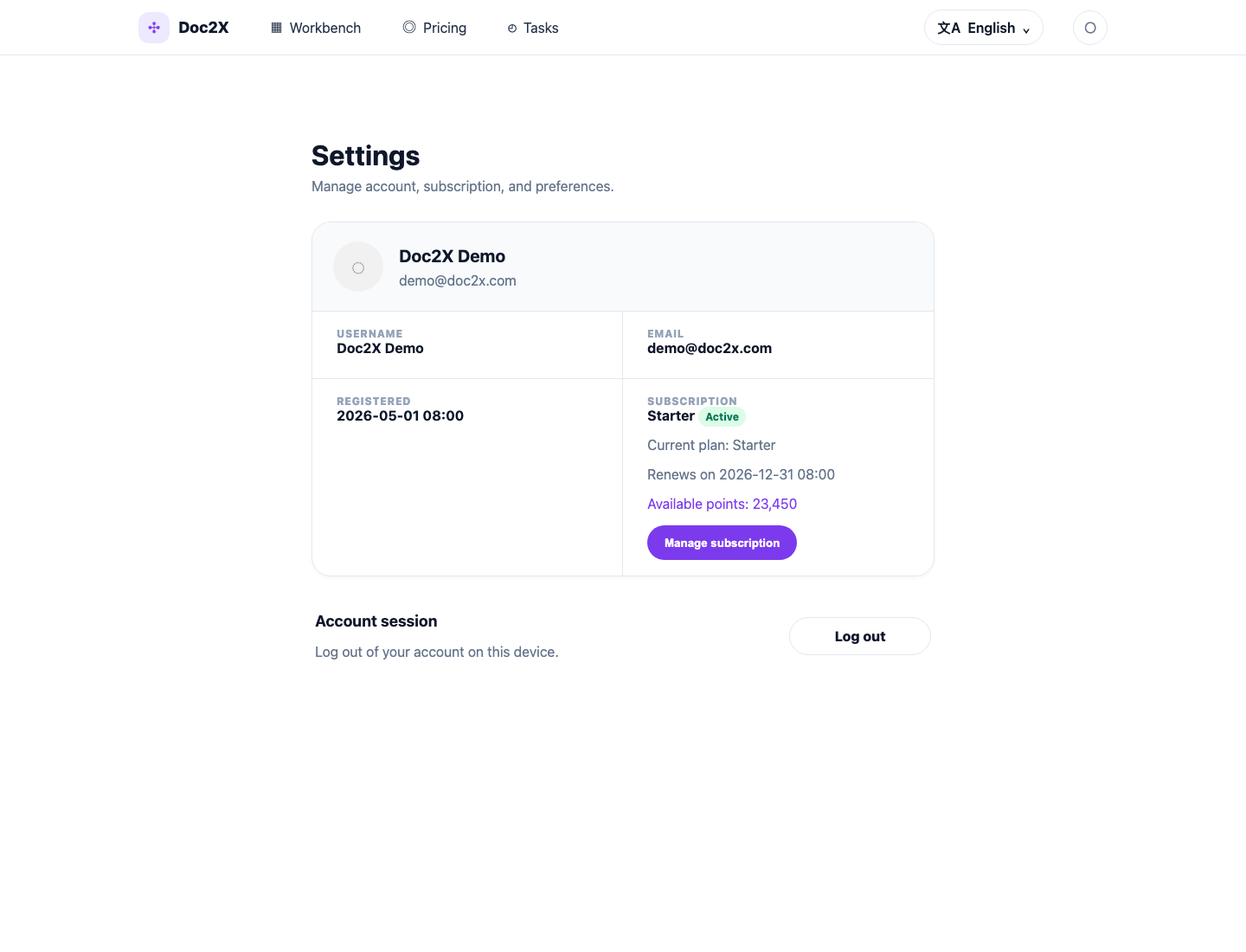
From Settings, you can:
- View your account name and email.
- Check your current plan and available credits.
- Open subscription management.
- Log out of the current device.
Find previous translations
Open Tasks from the top navigation.
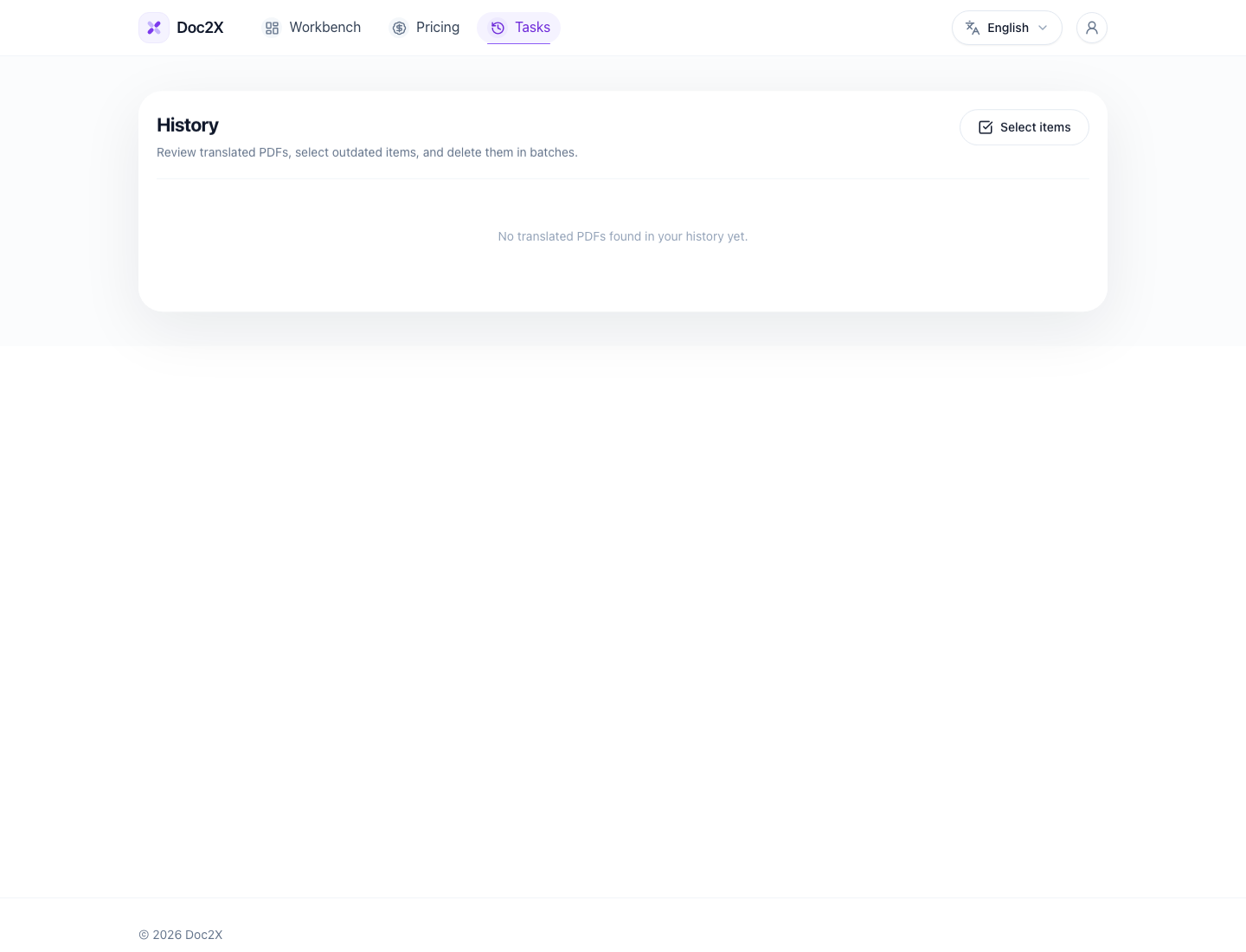
You can use Tasks to:
- Reopen completed translations.
- Check recent PDF translation tasks.
- Delete records you no longer need.
Translation history data is retained for 30 days. Reopen, export, or download results you want to keep within that period; after the retention window, related tasks and results may no longer be accessible.
Task history is useful when you want to compare a result again, export later, or avoid uploading the same PDF twice.
Device sessions
Doc2X limits signed-in devices by plan.
| Plan | Signed-in devices |
|---|---|
| Free | Up to 3 |
| Starter | Up to 5 |
| Pro | Up to 5 |
If you cannot sign in on a new device, log out from a device you no longer use or contact support.